Remote IT Support in Jacksonville, FL for Homes and Small Businesses

A slow computer, an unexpected virus warning, or an email problem can disrupt your entire day. Whether you're working from home, running a small business, or simply trying to stay connected with family, dependable technical assistance makes a difference. MicroSec® provides professional remote IT support in Jacksonville, helping homeowners, seniors, and small businesses troubleshoot everyday technology problems without scheduling an onsite visit. Our technicians assist with Windows and Mac computer issues, virus and malware removal, Microsoft 365 troubleshooting, email problems, printer connectivity, and cybersecurity concerns through secure remote connections. From Jacksonville's residential neighborhoods to its growing small business community, MicroSec® delivers convenient, personalized technical support designed to help you get back to what matters. Need help with a computer problem? Contact MicroSec® for remote technical assistance.

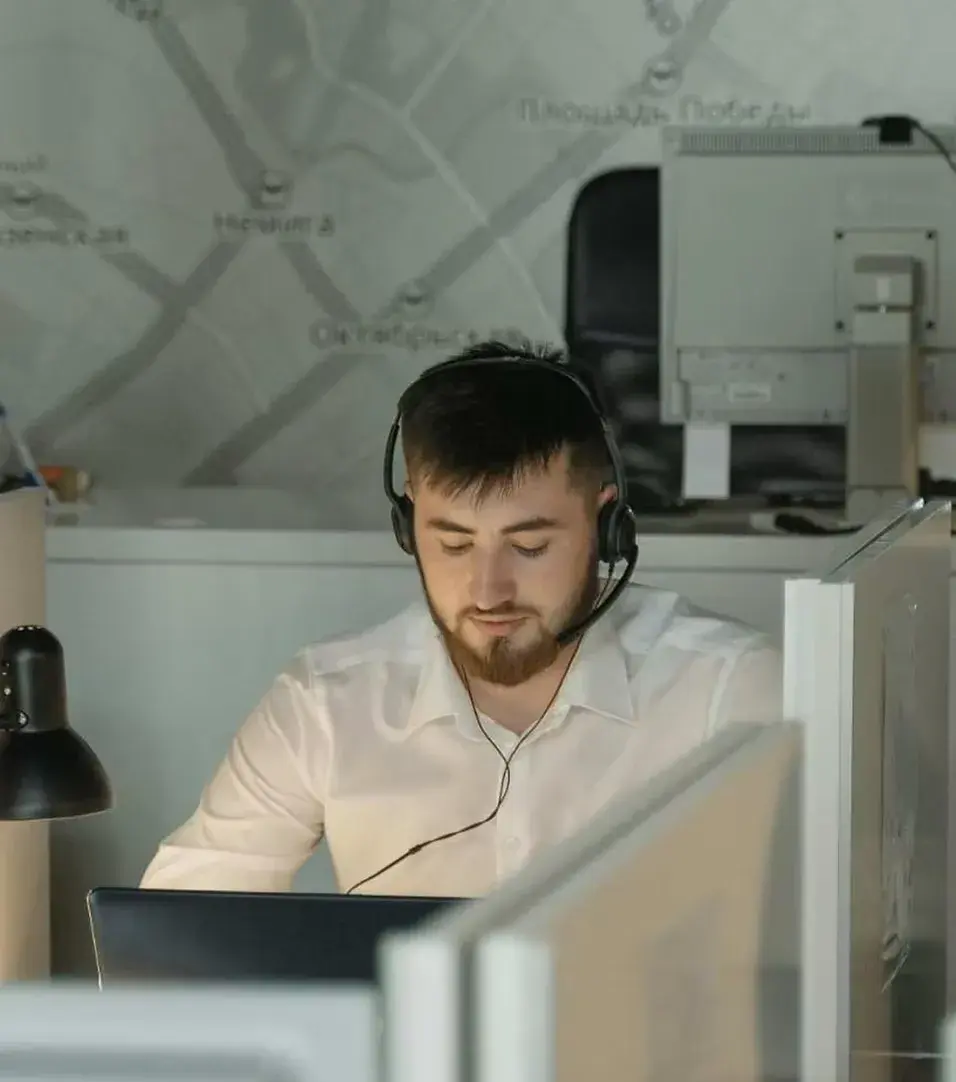
Technician providing Jacksonville home IT support remotely, assisting clients with computer troubleshooting and setup from a secure workspace.

Reliable Remote Computer Support in Jacksonville for Everyday Tech Problems

Computer problems don't always require a trip to a repair shop. Many software errors, performance issues, and connectivity problems can be diagnosed and resolved through a secure remote support session.

MicroSec® offers remote computer support in Jacksonville for common Windows and macOS problems affecting everyday computer use.

Our technicians can help with:

  • Computers running slowly or freezing unexpectedly
  • Windows startup and software errors
  • Mac application crashes and configuration problems
  • Unwanted pop-ups and suspicious programs
  • Email login and synchronization issues
  • Printer connection and driver problems
  • Software installation difficulties
  • Wi-Fi and network connectivity errors

Whether your laptop stops responding during an important task or your desktop computer becomes unusually slow, our team can investigate the issue and recommend practical troubleshooting steps.

For additional assistance with software-related computer problems, explore our professional computer repair services .

IT Support Services in Jacksonville for Small Businesses

Small businesses depend on reliable technology to communicate with customers, manage documents, process daily tasks, and keep employees productive.

When computers, email systems, or business applications stop working, even a minor technical issue can interrupt operations.

MicroSec® provides IT support services in Jacksonville to help small businesses troubleshoot common technology problems and maintain a more dependable working environment.

Our remote business IT assistance covers computer troubleshooting, Microsoft 365 support, email configuration, cybersecurity, and endpoint management.

Managed IT Services and Ongoing Technical Support

Managing business technology can become difficult when employees use multiple computers, software applications, and cloud services.

MicroSec® offers managed IT services designed to help eligible small businesses maintain their technology through remote monitoring, troubleshooting, and ongoing technical assistance.

Depending on the service arrangement, support may include:

  • Remote computer monitoring
  • Software troubleshooting
  • Endpoint security management
  • Operating system and application updates
  • Microsoft 365 assistance
  • User account troubleshooting
  • Technical support for everyday business issues

Our managed IT services help small business owners spend less time dealing with technical problems and more time focusing on their customers.

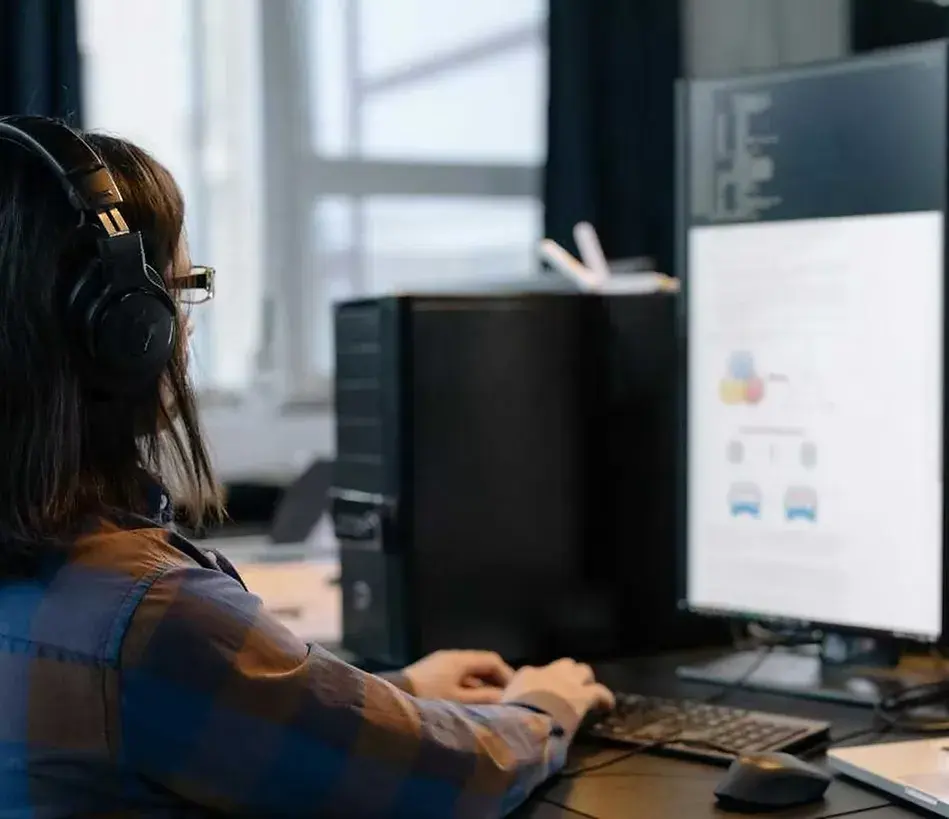
Professional technician providing Jacksonville home IT support in Jacksonville, assisting clients remotely with computer setup and troubleshooting.

Microsoft 365 and Business Email Support

Microsoft 365 applications play an important role in everyday business communication and collaboration.

However, Outlook errors, account authentication problems, and application issues can interrupt essential work.

MicroSec® helps Jacksonville businesses troubleshoot:

  • Outlook login and password problems
  • Microsoft 365 account configuration
  • Email synchronization errors
  • Outlook profile issues
  • Shared mailbox configuration problems
  • Microsoft Teams application errors
  • Microsoft Word and Excel software problems
  • Microsoft 365 application updates

Our technicians investigate the issue and help restore access when the problem can be resolved remotely and the necessary account permissions are available.

Endpoint Management and Device Security

Business computers need regular attention to reduce software problems and security risks.

MicroSec® provides remote endpoint management assistance to help businesses maintain compatible computers and supported devices.

Services may include:

  • Endpoint security configuration
  • Software update management
  • Device performance monitoring
  • Security software troubleshooting
  • Suspicious application investigation
  • Remote device configuration assistance

We also help businesses understand how endpoint protection solutions can support their broader cybersecurity practices.

Remote IT Services for Growing Businesses

As a business grows, its technology needs often become more complicated.

New employees may require software configuration, email account assistance, or help connecting to existing business applications.

MicroSec® provides remote IT services in Jacksonville to support these everyday technology requirements.

Whether your business needs occasional troubleshooting or ongoing remote IT assistance, our team can help you evaluate suitable support options.

Discuss Your IT Support Needs
Computer Support Services

Comprehensive Remote Computer Repair and Troubleshooting Services

MicroSec® provides a range of remote computer services for Jacksonville residents and businesses.

Our focus is on diagnosing and resolving software-related problems while helping customers understand when physical hardware repair is necessary.

Remote Computer Repair in Jacksonville

Computer crashes, repeated error messages, and operating system problems can make everyday tasks difficult.

MicroSec® offers remote computer repair in Jacksonville for software-related issues affecting Windows and Mac computers.

We assist with:

  • Windows operating system errors
  • Software conflicts
  • Application crashes
  • Computer freezing
  • Startup troubleshooting
  • Driver-related issues
  • System configuration problems
  • General software diagnostics

Our technicians investigate the symptoms and perform appropriate troubleshooting steps through an authorized remote connection.

Physical hardware repairs, including damaged screens, batteries, keyboards, and internal components, require hands-on service.

PC Tune-Up and Performance Optimization

Does your computer take several minutes to start? Are programs freezing or running slower than expected?

These symptoms can sometimes result from unnecessary startup applications, software conflicts, or background processes consuming system resources.

Our remote PC optimization services may include:

  • Reviewing startup programs
  • Removing unnecessary temporary files
  • Identifying unwanted software
  • Checking background processes
  • Troubleshooting software conflicts
  • Reviewing Windows performance settings
  • Investigating driver-related issues

Performance improvements depend on the computer's condition and the underlying cause of the problem.

If a failing hard drive, insufficient memory, or another hardware limitation is responsible, our technicians can explain the available options.

Virus Removal and Malware Troubleshooting in Jacksonville

Unexpected security warnings, browser redirects, and unfamiliar programs can indicate a malware infection.

MicroSec® provides remote virus removal in Jacksonville to help customers identify and remove malicious or unwanted software.

Our technicians can assist with:

  • Virus and malware scans
  • Spyware and unwanted program removal
  • Browser hijacker troubleshooting
  • Fake antivirus pop-up investigation
  • Suspicious startup application checks
  • Security software configuration
  • Post-infection computer troubleshooting

We also help customers recognize common online threats, including phishing emails and fraudulent security alerts.

For ongoing protection, MicroSec® can assist with configuring trusted cybersecurity solutions such as Bitdefender, where appropriate.

Some severe infections require additional recovery procedures, and not every compromised computer can be fully repaired remotely.

Remote Printer Setup and Troubleshooting

A printer that suddenly stops responding can be frustrating, especially when you need to print important documents.

MicroSec® provides remote printer troubleshooting for common software and connectivity issues involving HP, Canon, Epson, Brother, Ricoh, and other supported printer brands.

We help investigate:

  • Printer offline errors
  • Wireless printer connection problems
  • Printer driver installation
  • Print queue errors
  • Windows printer configuration
  • Printer detection problems
  • Software-related printing failures

Our technicians can help configure printer settings and troubleshoot communication problems between your computer and printer.

Physical printer repairs, mechanical failures, and paper jams requiring hands-on intervention are outside the scope of our remote services.

Wi-Fi and Network Connectivity Troubleshooting

An unreliable internet connection can interrupt video calls, online banking, email, and business applications.

MicroSec® helps Jacksonville customers investigate common computer-side Wi-Fi and network problems.

Our remote troubleshooting assistance includes:

  • Laptops disconnecting from Wi-Fi
  • Computers unable to detect wireless networks
  • Wi-Fi working on a phone but not a laptop
  • Network adapter driver errors
  • Incorrect network settings
  • DNS configuration issues
  • Router configuration guidance
Some connectivity problems can be resolved remotely, while damaged network equipment or physical cabling problems require onsite assistance.

New Computer Setup and Software Installation

Setting up a new computer involves more than turning it on.

You may need to configure your email, install important applications, update security settings, and transfer files from an older device.

MicroSec® provides remote new computer setup assistance for Jacksonville homeowners and small businesses.

We can help with:

  • Windows and macOS initial configuration
  • Microsoft account setup
  • Email account configuration
  • Software installation
  • Printer connection
  • Security application setup
  • Basic computer personalization
  • Guidance on transferring files

Our technicians explain the process and help you become comfortable using your new computer.

File Migration Assistance

Data Transfer Between Computers

Moving from an old computer to a new one can feel overwhelming when you have important documents, photographs, and personal files to preserve.

MicroSec® provides remote data transfer assistance when both devices and the required storage locations are accessible.

Depending on the situation, we may help transfer:

  • Documents and photographs
  • Selected personal folders
  • Compatible application data
  • Email files
  • Files stored in cloud services
  • Other accessible user data
We recommend maintaining a current backup before beginning a transfer.

Successful migration depends on device condition, file accessibility, available storage, and application compatibility. Some settings or files may require additional steps and cannot always be transferred.

Digital Security

Cybersecurity Services for Jacksonville Homeowners and Small Businesses

Cybersecurity is not only a concern for large organizations.

Home users, seniors, and small businesses can also encounter phishing scams, fake security warnings, malicious downloads, and account compromise attempts.

MicroSec® provides remote cybersecurity assistance to help customers identify security concerns and improve everyday digital protection.

Small businesses looking to strengthen their digital defenses can explore our cybersecurity consultation services for guidance on endpoint protection, email security, and common cyber threats.

Malware Prevention and Endpoint Protection

We help customers review existing antivirus settings, investigate suspicious programs, and configure compatible endpoint protection solutions.

Depending on the device and support requirements, this may include assistance with Bitdefender security software.

Email Security and Phishing Awareness

Suspicious emails can imitate banks, delivery companies, technology providers, and even coworkers.

MicroSec® helps customers recognize warning signs such as unexpected attachments, suspicious links, and fraudulent password reset requests.

We can also assist with reviewing supported email security settings and enabling multifactor authentication where appropriate.

Cybersecurity Assistance for Small Businesses

Small businesses may need help protecting employee devices, reviewing account security, and reducing exposure to common cyber threats.

Our remote cybersecurity services can support these efforts through security software configuration, endpoint troubleshooting, and practical guidance.

Cybersecurity protection reduces risk but cannot eliminate every possible threat.
Friendly Technical Assistance

Remote IT Support for Seniors and Homeowners in Jacksonville

Technology should help you stay connected, not leave you feeling frustrated.

For many older adults, everyday computer problems can interfere with communicating with family, accessing personal documents, managing appointments, or using online services.

MicroSec® offers patient, easy-to-understand remote IT support for seniors in Jacksonville.

Our technicians provide guidance without assuming that every customer is familiar with technical terminology.

Common Computer Problems We Help Seniors Resolve

  • Slow or freezing computers
  • Email password problems
  • Suspicious virus warnings
  • Printer connection errors
  • Software installation difficulties
  • Windows update problems
  • Wi-Fi connectivity issues
  • Unwanted browser pop-ups

We explain the troubleshooting process and help customers understand the steps being taken.

Help With Online Security Concerns

Fake virus warnings and fraudulent technical support messages can be especially confusing.

MicroSec® helps customers investigate suspicious notifications, identify unwanted software, and review practical security measures.

If you're unsure whether a warning on your screen is legitimate, avoid calling unfamiliar phone numbers displayed in pop-ups or granting remote access to unknown individuals.

Instead, contact a trusted support provider through its official website or verified contact information.

Need patient, professional computer assistance? Contact MicroSec® for remote support.

Contact MicroSec®
Why MicroSec®

Why Choose MicroSec® for Remote IT Support in Jacksonville?

Choosing a technical support provider means trusting someone with your computer, important applications, and potentially sensitive information.

MicroSec® focuses on clear communication, personalized troubleshooting, and practical solutions.

Convenient Remote Assistance

Many software-related problems can be addressed without transporting your computer or arranging an onsite appointment.

Support for Different Technology Needs

We assist homeowners, seniors, and small businesses with a broad range of computer and software problems.

Clear Explanations

Our technicians explain technical issues in understandable language so customers can make informed decisions.

Security-Conscious Support

We help customers investigate suspicious software and review practical security measures as part of appropriate troubleshooting.

Personalized Troubleshooting

Rather than assuming every computer problem has the same cause, we evaluate the symptoms and recommend suitable next steps.

Simple Support Process

How Does Remote IT Support Work?

Getting help from MicroSec® is straightforward.

01

Step 1: Contact MicroSec®

Tell us what is happening with your computer, email, printer, or business application.

Our team will ask questions to better understand the issue.

02

Step 2: Start an Authorized Remote Session

If the problem is suitable for remote troubleshooting, a technician will explain how to establish a secure remote connection.

You authorize access to your device and remain involved in the process.

03

Step 3: Diagnose and Troubleshoot

Our technician investigates the problem, explains the findings, and performs appropriate troubleshooting steps.

If physical hardware repair is required, we will explain why the issue cannot be fully resolved remotely.

04

Step 4: Review the Results

After troubleshooting, we'll explain the outcome and share relevant recommendations to help reduce recurring problems.

Remote Service Eligibility

What Computer Problems Can Be Fixed Remotely?

Many everyday technology issues can be addressed through remote troubleshooting.

Computer or IT Problem Remote Support
Slow computer performance Often, when software-related
Outlook login problems Usually, depending on account access
Virus and malware infections Often, depending on severity
Printer offline errors Often
Microsoft 365 application issues Usually
Windows software errors Often
Wi-Fi connection problems Often
New computer software setup Usually
Data transfer between accessible computers Often, depending on compatibility
Broken laptop screen No
Failed computer battery No
Physically damaged storage drive No
A remote assessment can help determine whether your problem is suitable for software troubleshooting or requires hands-on repair.

Remote IT Support Across Florida

MicroSec® provides remote computer and IT assistance to customers throughout Florida.

Whether you're located in Jacksonville or another Florida community, our technicians can help with eligible software, email, printer, and cybersecurity problems through secure remote connections.

Explore our Remote IT Support in Florida services to learn more about the technical assistance available statewide.

Your Questions Answered

Frequently Asked Questions About Remote IT Support in Jacksonville

Clear answers to common questions — no technical jargon, no pressure.

Many malware infections can be investigated and removed remotely. However, the outcome depends on the severity of the infection and the condition of the operating system. Some cases require additional recovery steps.

Still Got Questions?

Talk to our experts anytime — we’re here to help.

Talk to Security Expert

Get Professional Remote IT Support in Jacksonville Today

Computer problems shouldn't prevent you from completing important work, staying connected with family, or running your business.

Whether you're experiencing a slow computer, Outlook login errors, malware warnings, printer connectivity problems, or Microsoft 365 issues, MicroSec® is ready to help you explore remote troubleshooting options.

Our technicians provide practical technical assistance for Jacksonville homeowners, seniors, and small businesses without requiring an onsite appointment.

Call MicroSec® at (518) 818-4262 to discuss your computer problem and learn how our remote support services can help.

Get Remote IT Support Today